Systemly
Reusable checklists for the routines you repeat
Build a checklist once, then run it again and again. Systemly saves every run with timestamps, so you always know what is done and what is left.
Everything you need to repeat a process reliably
Build reusable checklist templates
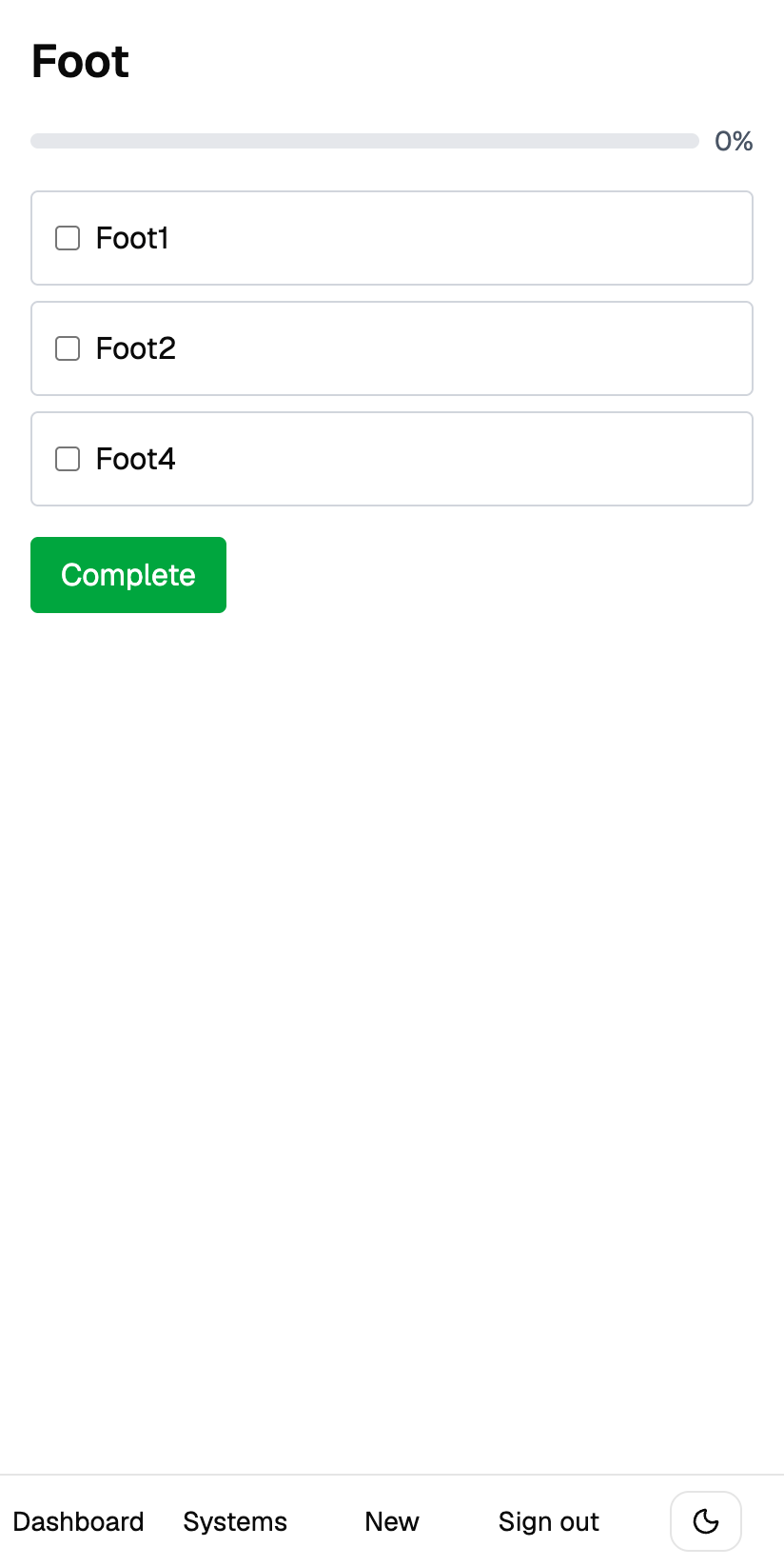
Create a template once with as many steps as you need, then edit, reorder, or delete steps whenever the process changes.
Run the same checklist again and again
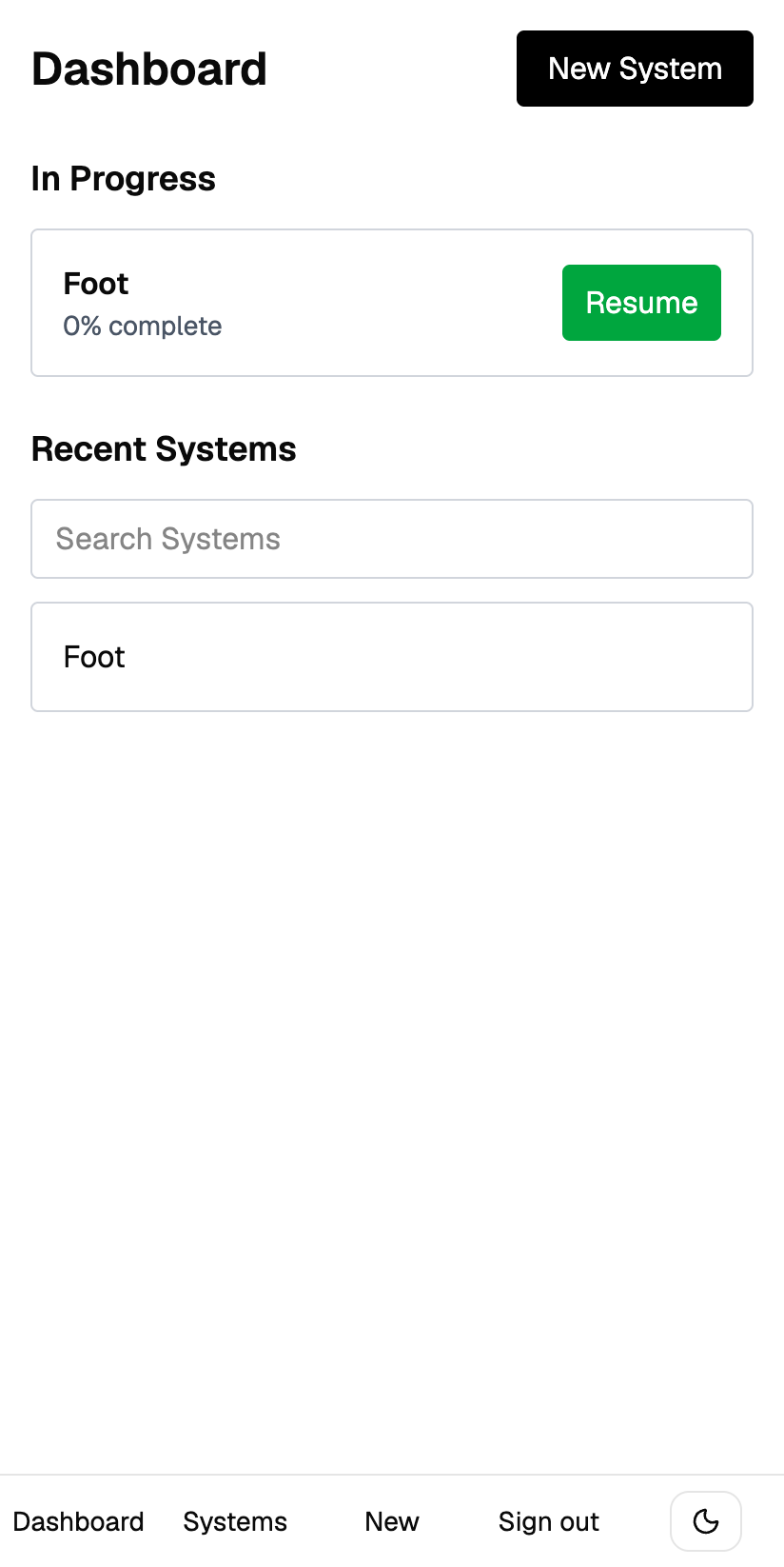
Start a fresh run of any template, tick steps off as you go, and pick up exactly where you left off if you get interrupted.
Track every run with history and stats
See each past run with its completion percentage and duration, plus your average completion at a glance.
Install it on your phone like an app
A fast, mobile-first interface you can add to your home screen on iOS and Android, with a bottom nav on the go and a sidebar on desktop.
See it in action
What people use Systemly for
Morning routine
The same handful of steps every day, in the same order, without thinking about it.
Client onboarding
Every new client gets the same treatment, so nothing gets skipped on the fifth one that you did on the first.
Weekly review
Work through your own review process each week and keep a record of the ones you finished.
Equipment and pre-flight checks
Step-by-step safety checks where the order matters and a missed step is expensive.
Cleaning rota
Split a deep clean into rooms and tasks, then run it again next month.
End-of-month bookkeeping
A long close process you only touch monthly, so you never remember all of it.
Common questions
What is a reusable checklist?
A checklist you keep and run repeatedly, instead of writing it out again every time. You build the steps once and start a fresh run whenever you need it.
How is this different from a to-do list app?
Task apps assume an item is done once and then gone. Systemly assumes the opposite: the same steps come back tomorrow, next week, or with every new client, and each run is worth recording on its own.
Can I run the same checklist more than once at the same time?
Each run is separate, so you can finish one before starting the next. Past runs stay on record with their completion percentage and duration.
Does it work on my phone?
Yes. It is built mobile-first and you can add it to your home screen on iOS and Android, where it opens like a native app.
Is my data private?
Yes. Every checklist and run belongs to your account only, enforced at the database level rather than just in the interface.
Is it free?
Yes, it is free to start and no credit card is required to create an account.
Ready to build your first System?
Free to start — no credit card required.
Create your account